Sorting records
Order records in a view by one field or several, ascending or descending.
A sort decides the order records appear in. Like filters and grouping, it lives on the view, so your ordering is yours unless the view is shared.
Sorting a view
-
Open view settings
Click the gear icon to the right of the view tabs.
-
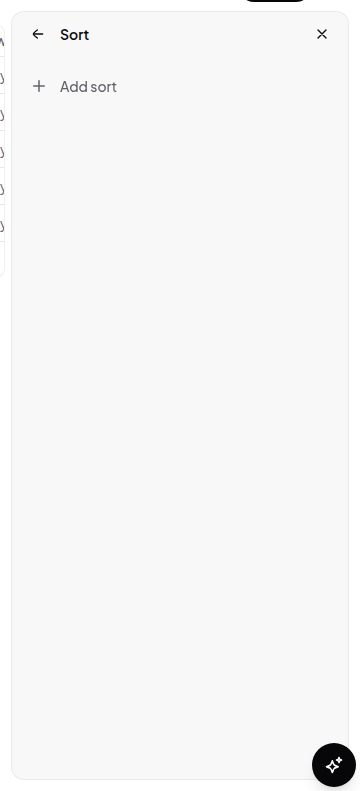
Choose Sort
Under Data, click Sort.
-
Pick a field and a direction
Ascending or descending. Ascending means A→Z, smallest first, earliest first, unchecked before checked.
-
Stack more sorts
Add a second sort and it breaks ties in the first: priority descending, then due date ascending, gives you the most urgent work with the soonest deadlines at the top of each priority band.
Remove a sort with Delete sort on its row.
How sorting interacts with everything else
- Filters run first. Sorting only orders what survived the filter.
- Grouping outranks sorting. With a group set, records are sorted within each section; the section order comes from the group’s own sort setting. See Grouping records.
- No sort means manual order. With no sorts configured, records keep the order you drag them into. Adding a sort takes that control away — remove the sort to get manual dragging back.