Filtering records
Every filter operator, which field types accept which, and how to combine conditions with and/or.
A filter narrows a view to the records that match. Filters are saved on the view, so filtering your table doesn’t change what anyone else sees in theirs, and it never deletes anything.
Adding a filter
-
Open view settings
Click the gear icon to the right of the view tabs.
-
Choose Filter
Under Data, click Filter.
-
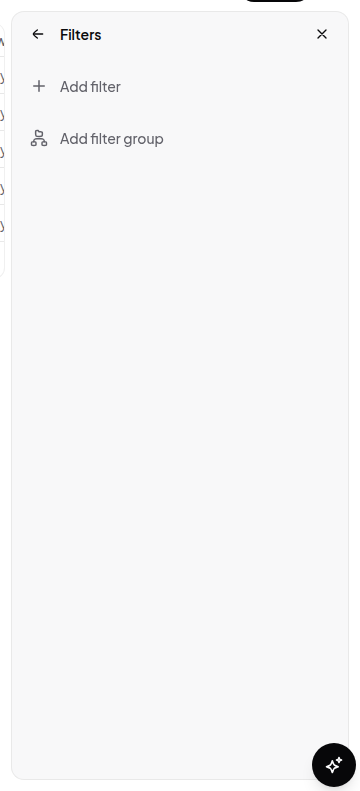
Build the condition
Pick a field, pick an operator, and enter a value. The operator list only offers what that field type supports.
-
Add more
Add further conditions and choose whether they combine with and (all must match) or or (any may match). Conditions can be nested into groups, so
Status is not Done and (Owner is me or Priority is High)is expressible.
Operators by field type
The available operators are determined by the field’s type:
| Field type | Operators |
|---|---|
| Checkbox | is checked, is unchecked, is empty, is not empty |
| Number, Time tracking | equals, not equals, greater than, less than, is empty, is not empty |
| Date, Created at, Updated at | is, before, after, is within, is empty, is not empty |
| Select, Status | is, is not, is empty, is not empty |
| Multi-select | contains, does not contain, is empty, is not empty |
| Everything else (text, long text, url, email, phone, user, file, place, relation, formula, rollup, …) | contains, does not contain, is, is not, is empty, is not empty |
is empty and is not empty work on every type and never need a value.
Filtering by date
Date filters accept a literal date, or one of these relative tokens, which are
resolved every time the view is read — so a view filtered to next_week stays
correct tomorrow without you touching it.
Single days: today, yesterday, tomorrow
Ranges, used with is within:
| Token | Meaning |
|---|---|
past_week | The last 7 days |
past_month | The last 30 days |
past_year | The last 365 days |
next_week | The next 7 days |
next_month | The next 30 days |
next_year | The next 365 days |
Things worth knowing
- A filter that references a deleted field is dropped rather than breaking the view.
- Filters apply before grouping and sorting.
- Filters don’t restrict permissions. Someone who can see the database can remove your filter or make their own view. Use permissions if data needs to be genuinely hidden.